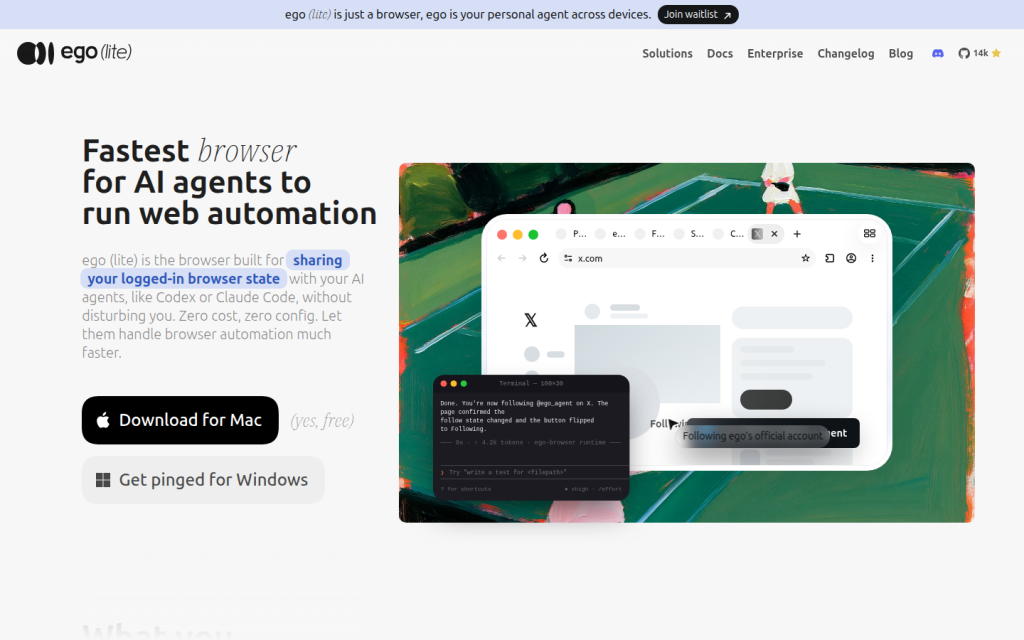
ego (lite) is a Chromium-based browser for people who want AI agents to perform web automation inside a real logged-in browser session. It is built to let a user keep working in their own tabs while an agent runs tasks in a separate Space, using the same browser state, tabs, logins, bookmarks, extensions, and cookies when imported from Chrome. The product is positioned as a browser for agent-driven workflows rather than a standalone automation framework, and it connects with agent tools such as Claude Code, Codex, Cursor, and other shell-driven agents through the ego-browser skill and runtime. It is used for tasks such as interacting with social platforms, booking flows, SaaS back offices, internal tools, research, monitoring, posting, and other browser actions that require authenticated access. The site presents the browser as a general-purpose daily browser as well as an automation environment, with documentation, blog content, enterprise information, downloads, and integration guides available for visitors. The current public offering is for macOS, with Windows and Linux described as planned. The service is described as free to download, with no subscription required and no task-based billing in the published documentation. The site also publishes privacy and terms pages and states that browsing data is stored locally on the user's computer.
Key features
- Chromium-based desktop browser
- Separate Spaces for user and agent work
- Chrome data import and session migration
- Agent-browser integration through ego-browser
- Parallel execution of multiple browser tasks
- Semantic snapshot and in-page JavaScript action flow
- Compatibility with external agent CLIs and custom agents
- Documentation, blog, download, enterprise, terms, and privacy pages
Who it is for
- AI agent users
- Developers building or running browser automation
- Teams that need automation inside logged-in web apps
- Users who want an everyday Chromium browser with agent support
- Enterprise teams evaluating agent-browser infrastructure
Access and pricing
The public site presents ego (lite) as free to download and says there is no subscription required; the documentation also says there is no task-based billing and no cloud-session metering.